
 By Eliot Rabaud
White-box pentesting: testing with the source code in hand
In a white-box test, the pentester gets everything: source code, architecture diagrams, test accounts, often the configuration and deployment files. They test the running application, as in grey box, and read the code behind it at the same time.
You might think it’s less realistic, since an attacker doesn’t have your code. Two points. First, sometimes they do: a Git repository made public by mistake, a former contractor, source files served by a misconfigured server. Second, and more important, the point of an audit is to find the flaws before the attacker does, in a limited time. The code lets you go straight to what an attacker would need weeks to guess.
What you provide
- Read access to the code repository, or an up-to-date archive of the version under test.
- Architecture diagrams, even rough ones: which services talk to each other, where data is stored, what is exposed to the Internet.
- Test accounts, one per role, as in grey box.
- If you have them, infrastructure files (Terraform, CI/CD pipelines) and the dependency list.
- A developer who can answer questions. A five-minute question often saves half a day of reading.
The code can stay on your side if you prefer: the review can happen on a machine or an environment you provide.
How the code gets read
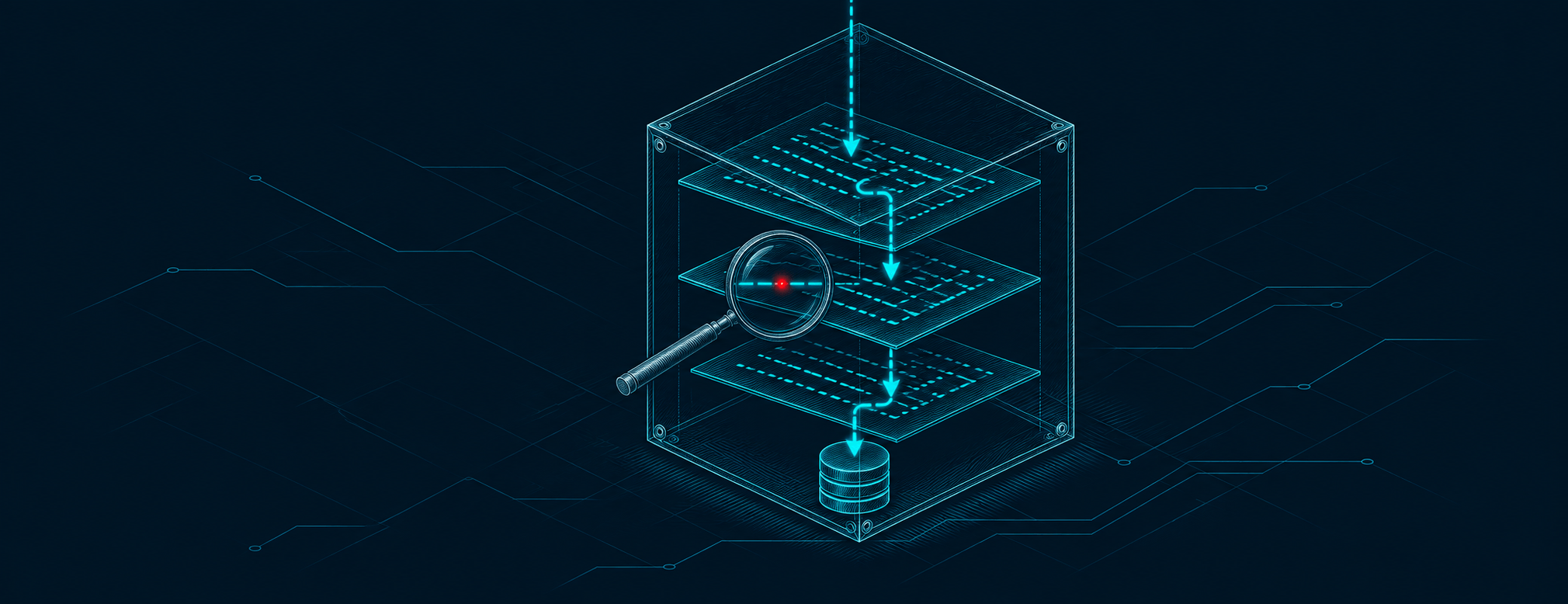
Nobody reads 200,000 lines of code line by line in a few days, and that isn’t the goal. The reading follows the data.
The pentester starts from the entry points: routes, controllers, functions exposed by the API. They follow each piece of user input to the places where it becomes dangerous: an SQL query, a file path, a system command, an HTML template, a call to another server. In between, they check what validates it, or what doesn’t.
They also look at how permissions are checked. In many frameworks, an authentication middleware or a decorator protects each route. One route where it was forgotten is enough. In grey box, you have to stumble on it. In the code, a single search lists every route without it.
Static analysis tools (SAST), such as Semgrep or CodeQL, do a first pass. They raise plenty of false positives, and every result is checked by hand. Dependency analysis does the rest: each library is compared with known flaws, which covers A03 of the OWASP Top 10 2025 on software supply chain failures.
Finally, everything spotted in the code is confirmed on the running application. A flaw seen in the code but impossible to trigger doesn’t get the same priority as a proven one, and the report says so.
What it finds that other approaches miss
Hidden features. An admin route the interface never calls, a debug parameter left on, an old API version still wired in. In grey box you sometimes guess them; in the code they are written in plain sight.
Secrets. API keys, database passwords, service tokens hard-coded in the current code or in the Git history. Deleting a secret from a file doesn’t remove it from the history.
Cryptography mistakes. A password reset token generated with predictable randomness, passwords hashed with MD5, a signature checked with the wrong function. From the outside, everything seems to work.
Rare cases. A race condition that only triggers when two requests arrive at the same instant, a code branch that only runs for one kind of customer, a badly handled error that lets a request through instead of blocking it. Error handling is in fact new to the 2025 Top 10 (A10), and reading the code is the natural way to judge it.
There is also a benefit for the development team: the report points to the file and the line. Fixing goes faster, and it addresses the cause rather than the symptom. If the same mistake repeats across fifteen controllers, the report says that too.
What it costs
White box takes significantly longer than grey box on the same application, because it adds a code review to the dynamic testing. Code size, the number of languages and the quality of the documentation all affect the duration. The quote form takes this into account when you pick that option.
In France, ANSSI’s PASSI framework treats source code audit as an activity of its own, separate from penetration testing. A good indicator that we are not talking about the same amount of work.
When to choose it
White box brings the most value:
- on an application that has already been through a grey-box audit, to go after what is left;
- on an application handling sensitive data (payments, health, HR data), or whose leak would put the company in trouble;
- before a major release or a rewrite, while fixing is still cheap;
- for a team that wants to understand its recurring mistakes, not just fix a list.
For a first audit of an application that has never been tested, we usually recommend starting with grey box: it quickly finds the most glaring flaws, and the money saved pays for the fixes. White box comes next, once the obvious issues are dealt with.
One last point. An audit, even white box, is a snapshot. The code keeps changing afterwards. To keep the level up, security has to become part of the development cycle: review of sensitive changes, static analysis in the CI pipeline, monitored dependencies.
To compare with the other approaches: black-box pentesting, grey-box pentesting, and the overview in Penetration testing (pentest): approaches and methodology. Our web application pentests offer white box as an option.
Related articles
- Pentest

Penetration testing (pentest): approaches and methodology
Penetration testing explained: black, grey or white box, the PTES phases, the OWASP Top 10 lists for web, API, AI and CI/CD, and how CVSS scores each flaw.
- Pentest
Grey-box pentesting: which access to provide, and why
Grey-box pentesting: test accounts, API documentation, a domain user account. Which access to give the pentester, what it lets them test, and where it stops.
- Pentest
Black-box pentesting: what it finds and what it misses
Black-box pentesting: the tester starts from your domain name, with no account and no code. How it runs, what it finds, its blind spots and when it is enough.